How to Watch Tailwind CSS changes on Rails
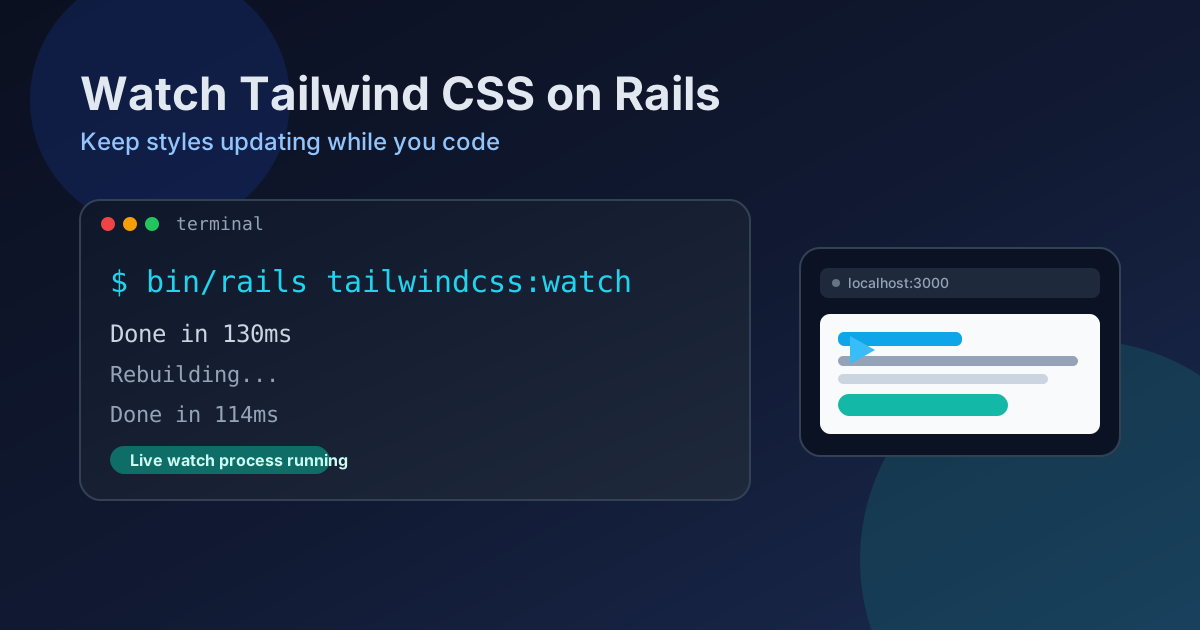
Once you have installed tailwind CSS in your Ruby On Rails project, you can run the command below to refresh(or something like that) any change in CSS, so then you can go to the browser and refers and see your changes on styles.
To have it working, please run this into another console (within you root project folder of course!):
rails tailwindcss:watchif for some reason this does not work, use:
rake assets:precompileNow, if we want to save time and not have to write manually this each time we do start our server in local host, it is convenient to include this watch proces on your Procfile.dev so you can just append in a new line:
# Procfile.dev
css: bin/rails tailwindcss:watch
This way every time we do run ./bin/dev the watch process will run as well.